English

Raised:
$ 3.00M
Funds and Backers:
Reward Type:
Status:
Reward Date:
224

tea
TEA
Reward Type:
Airdrop
Status:

Distributed
Reward Date:

04 June 2026
Complete the tasks to qualify for potential tea airdrops and rewards . Follow step-by-step instructions and track task updates and statuses to become one of the potential recipients of the tea Airdrop.
Progress

0/6 Steps Done
Progress
0/6 Steps Done
Complete the tasks to qualify for potential tea airdrops and rewards . Follow step-by-step instructions and track task updates and statuses to become one of the potential recipients of the tea Airdrop.
Progress
0/6 Steps Done
On March 31, the project announced the last phase of the testnet - Tea Sepolia. In the first part, to participate, you need to pass zkPass, request test tokens and create an account in Tea Sepolia. The zkPass TransGate extension is required for this activity.
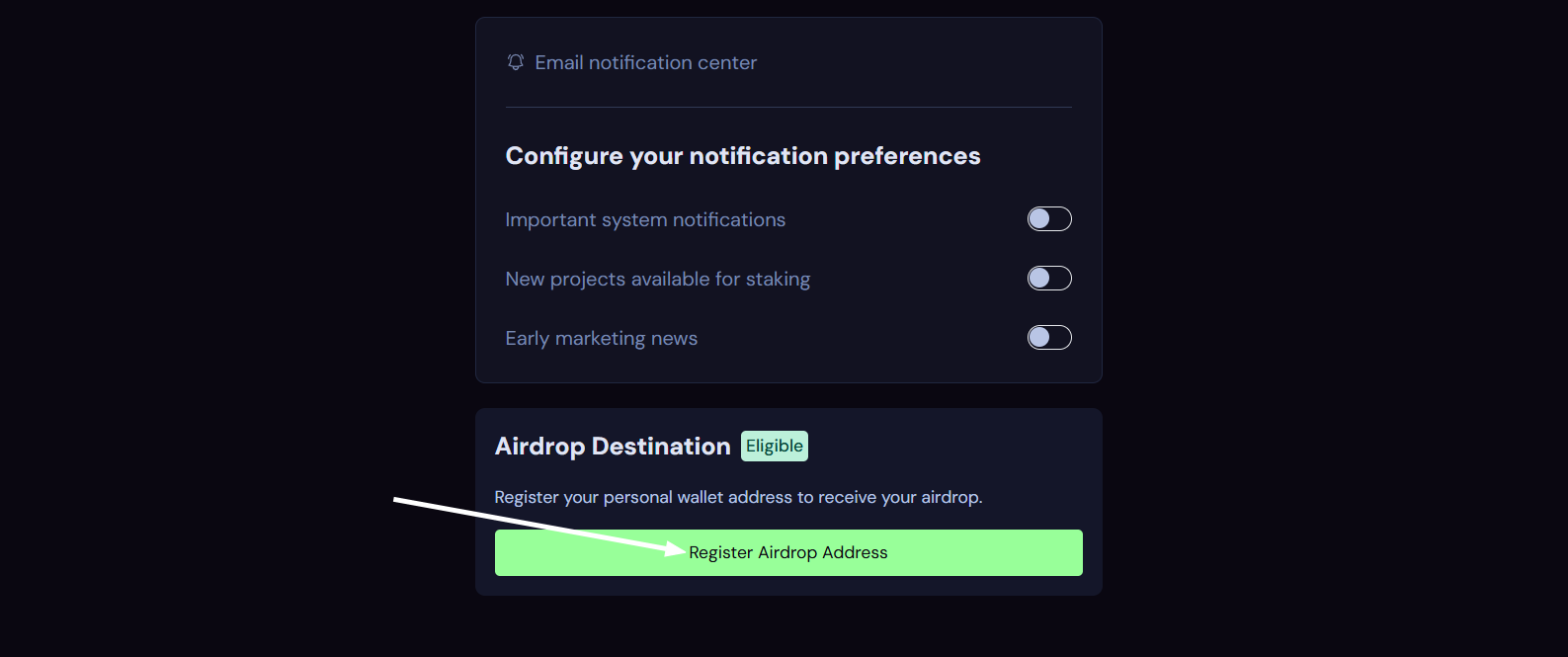
1. Navigate to the website. Log in to your account. Click the profile icon. Click settings. Scroll down and click Register Airdrop Address. Then paste your wallet address and click Submit Destination Address.
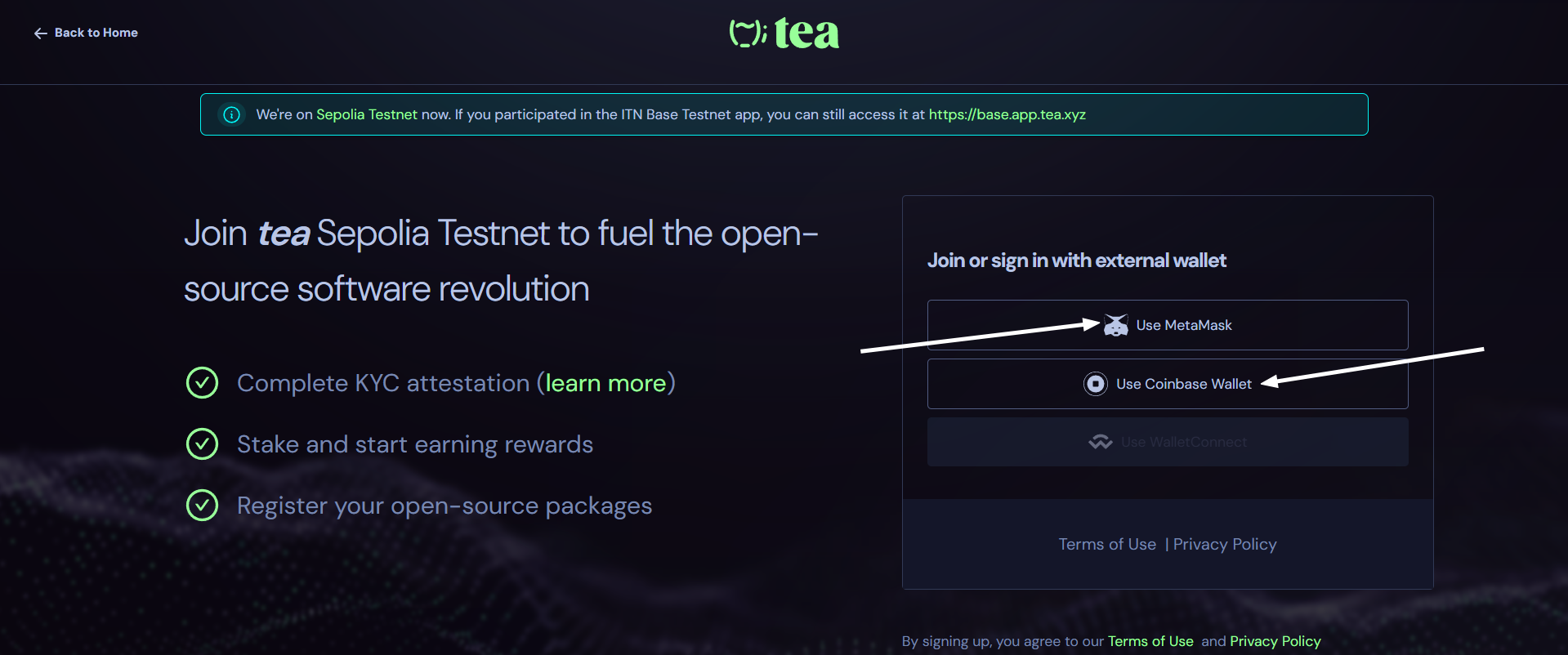
2. Go to the website and login using the wallet you specified on the previous website. Paste your Tea nickname or connect GitHub and click Complete Registration.
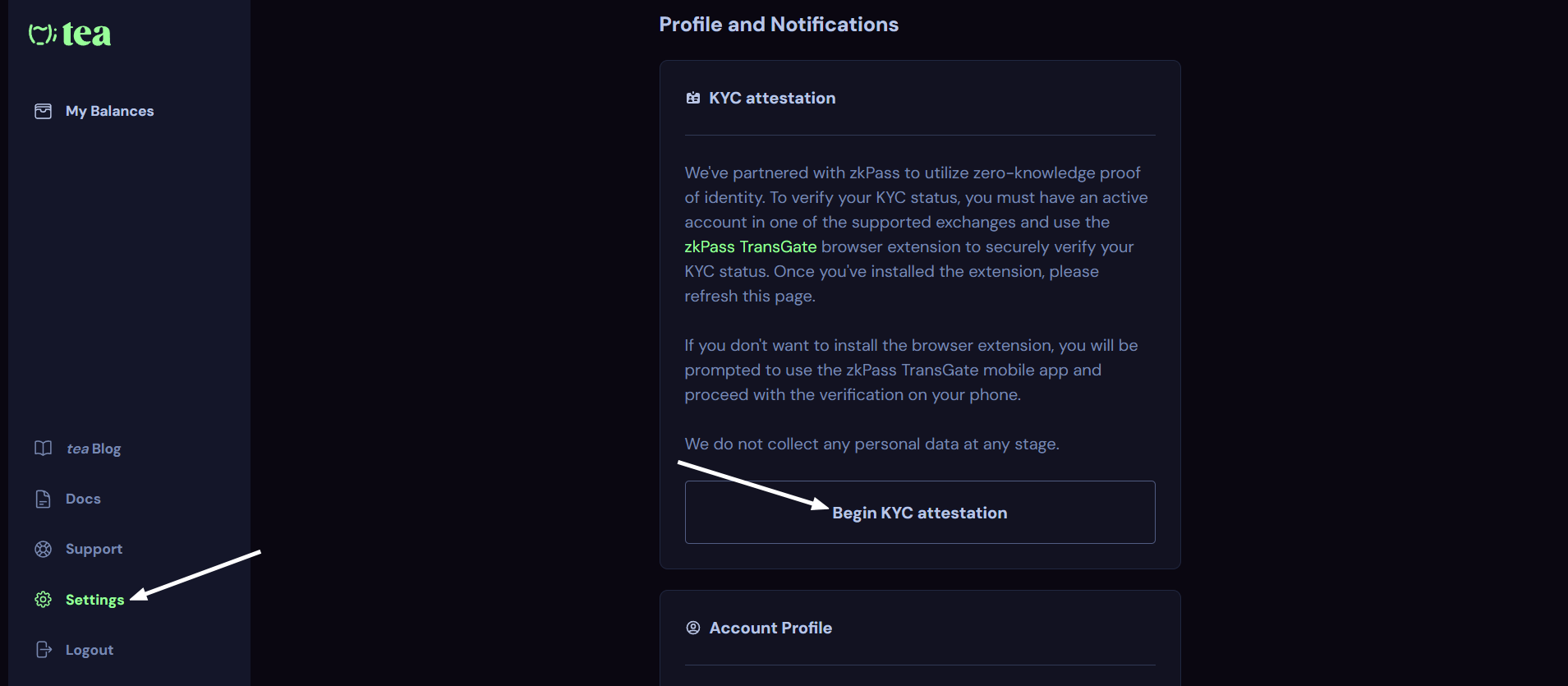
3. Go to the settings, scroll down and go through KYC using the zkPass TransGate extension. To do this, click Begin KYC attestation, then select the exchange where you have an active account with a completed KYC. You will be redirected to the exchange's website and the zkPass Transgate extension will open, log in to your account. Now click start in the extension, follow the instructions.
4. Add this network configuration to your wallet:
5. Go to the website. Paste your wallet address and click Request Funds.
6. You can make transactions if you wish.